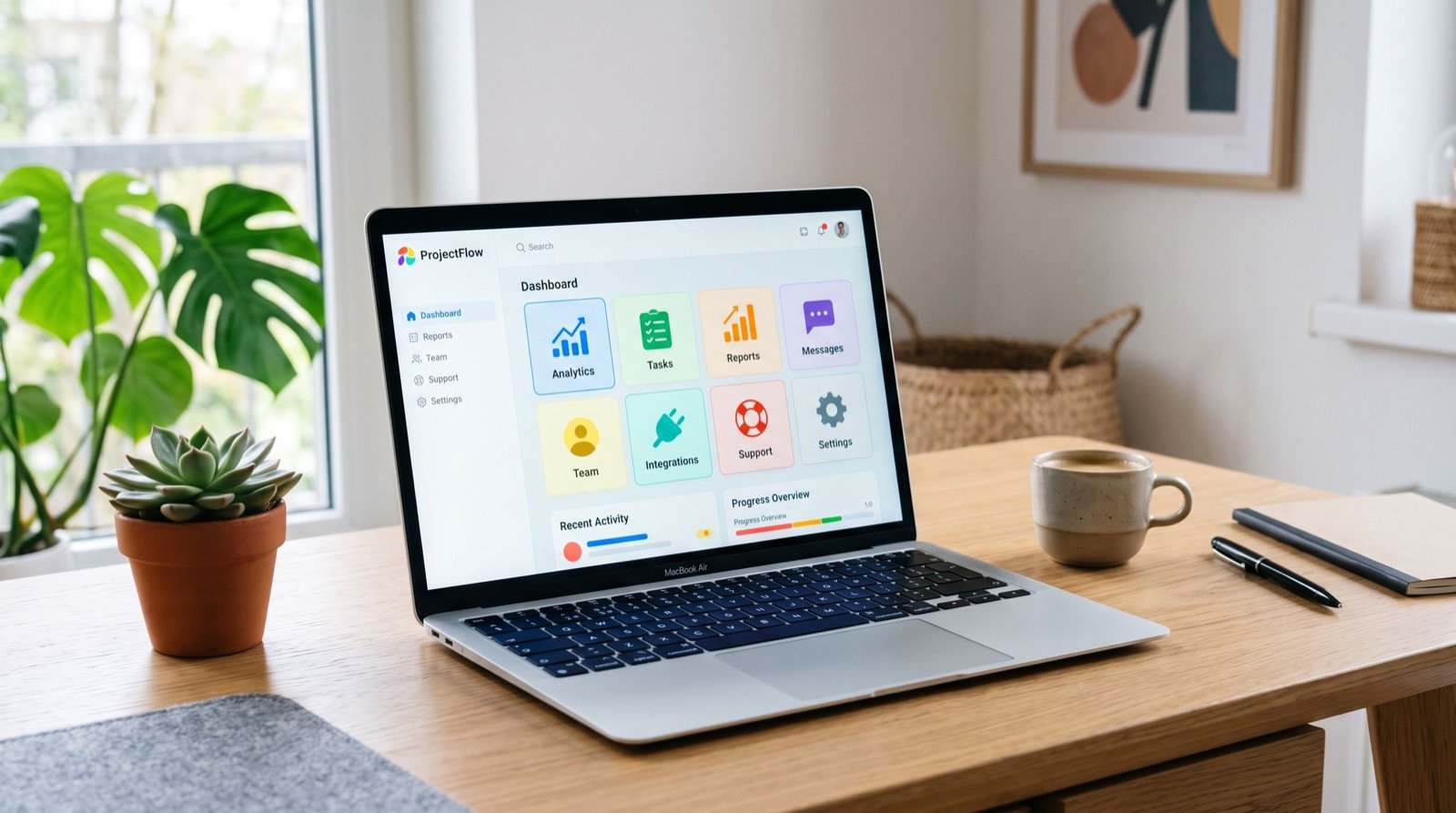
Most people do not struggle with money because they earn too little. They struggle because they cannot see where it goes. Good money apps fix that by turning scattered receipts, SMS alerts and bank balances into one clear picture.
This beginner guide shows you how to choose, set up and use an app in a single weekend. It pairs the tools with simple habits, and you will find more personal finance tips elsewhere once you are comfortable with the basics.
What Can a Money App Actually Do?
Different apps focus on different jobs. Understanding the categories stops you from installing five tools that all do the same thing.
- Budgeting apps: track income and spending and compare them with monthly limits.
- Savings apps: set goals, automate transfers and show progress.
- Bill and reminder apps: warn you before electricity, internet or school fees are due.
- Net-worth trackers: combine accounts, savings and debts into one total.
- Mobile wallets: pay, send and receive money, with some adding savings features.
Which Type of App Should You Start With?
Start with the problem you feel most. If money runs out before month-end, begin with a budgeting app. If you never seem to save, begin with a goal-based savings tool. If late fees keep appearing, begin with reminders.
| Your main problem | App type to try first | Habit to build |
|---|---|---|
| Money disappears by the 20th | Budgeting app | Log spending every evening |
| No savings | Goal-based savings app | Automate a small transfer on payday |
| Missed bills and late fees | Reminder or wallet app | Set alerts three days before due dates |
| Debts across cards and loans | Debt tracker | Pay the smallest or highest-interest first |
| No idea of overall position | Net-worth tracker | Update once a month |
Your Weekend Setup Plan
Saturday morning: gather the facts
- Collect the last three months of bank, wallet and card statements.
- List fixed costs such as rent, school fees, utilities and instalments.
- List income: salary, side income and irregular payments.
- Write down your goals, for example an emergency fund or a laptop.
Saturday afternoon: choose and install
Pick one app, not three. Read recent reviews, check what data it asks for and confirm the developer is a known company. Avoid apps that request access to contacts or photos without a clear reason.
Sunday: build the system
- Create categories: housing, food, transport, bills, savings and fun.
- Enter your fixed costs and set monthly limits for variable ones.
- Add a savings goal with a date and an amount.
- Turn on reminders for bills and for end-of-day logging.
- Do a test: record yesterday’s spending and check the totals.
How Much Should You Budget for Each Category?
A popular starting guide is the 50/30/20 rule: about half of take-home pay for needs, thirty percent for wants and twenty percent for saving and debt repayment. It is a starting point, not a law. In Pakistan, rent or family obligations may take a larger share, so adjust until the numbers are realistic and still leave something for savings.
The US Consumer Financial Protection Bureau offers neutral budgeting worksheets that you can adapt to any country.
Are Money Apps Safe?
Safety depends on both the app and your behaviour. Use these rules.
- Turn on screen lock, fingerprint or face unlock for each finance app.
- Use a unique, strong password and, where possible, two-step verification.
- Never share OTP codes, PINs or card details with anyone, including callers who claim to be from a bank.
- Prefer apps that let you enter transactions manually if you do not want to link accounts.
- Download only from the official app store, and update regularly.
The State Bank of Pakistan publishes consumer-protection guidance at sbp.org.pk, a good reference if you suspect fraud or want to check a service’s regulatory status.
Three Common Beginner Mistakes
Trying to track everything perfectly
If you miss a day, do not quit. Estimate the missing spending from your bank or wallet history and move on. A rough record kept for six months teaches more than a perfect one abandoned after two weeks.
Setting limits that are too tight
A budget that leaves no room for fun fails by week two. Include a small “no-guilt” category so you can enjoy spending without breaking the plan.
Ignoring irregular costs
Annual fees, Eid shopping, insurance and school admission charges arrive suddenly. Divide the yearly total by twelve and set that amount aside monthly in a sinking fund so these costs never feel like emergencies.
Making the Habit Stick
An app is only as useful as the data inside it. People abandon trackers because logging feels like homework, so attach it to an existing routine, such as the minute after dinner. Ten seconds a day beats a two-hour catch-up on Sunday night.
An original tip: use the “one question rule.” Before any unplanned purchase above a threshold you choose, open the app and ask, “Which category does this come from?” If the category is empty, wait a day. This single pause blocks most impulse spending without feeling like punishment.
Monthly review in fifteen minutes
- Compare actual spending with limits for each category.
- Circle the two categories that went over budget.
- Decide whether the limit was unrealistic or the spending was avoidable.
- Adjust the next month, and move any surplus into savings.
People often discuss money habits as seriously as they discuss choosing trusted professionals: a good choice rests on reviews, a trial period and a willingness to switch if it does not fit.
Frequently Asked Questions
What is the best money app for a complete beginner?
The best one is the simplest app you will open every day. Pick one with clear categories, reminders and a free tier before paying for advanced features.
Do I need to link my bank account?
No. Manual entry is slower but gives you more privacy. Linking saves time if the provider is trusted and the connection is secure.
Can money apps help me save for an emergency fund?
Yes. Goal-based tools automate small transfers and show progress, which makes the habit easier. Aim first for one month of expenses, then build towards three to six months.
Are free apps good enough?
For most beginners, yes. Upgrade only when you hit a real limit, such as needing multiple budgets or advanced reports.
Conclusion
Money apps work when you choose one that fits your biggest problem, set it up properly and review it monthly. Use this weekend plan in 2026, protect your accounts with sensible security habits and let the numbers guide each decision.